posting pictures.

Guide me through it please. Thanks, Eddie
-

tap the second image on the bottom of the leave a comment screen , insert your photo
3 -

Eddie, like brier said. Click the "upload image" icon that's down in the bottom left of the text box. It will take you to the photo file(s) on your computer. Click on the picture you want, and it will appear in your text box.
3 -

You can also simply copy and paste. Hover over the picture, right click, then hit 'copy'. Then put the cursor where you want the picture, right click, hit 'paste'.
3 -

If doing it from your phone, make sure you screenshot the photo and post the screenshot. If not done that way the image will be sideways.
3 -
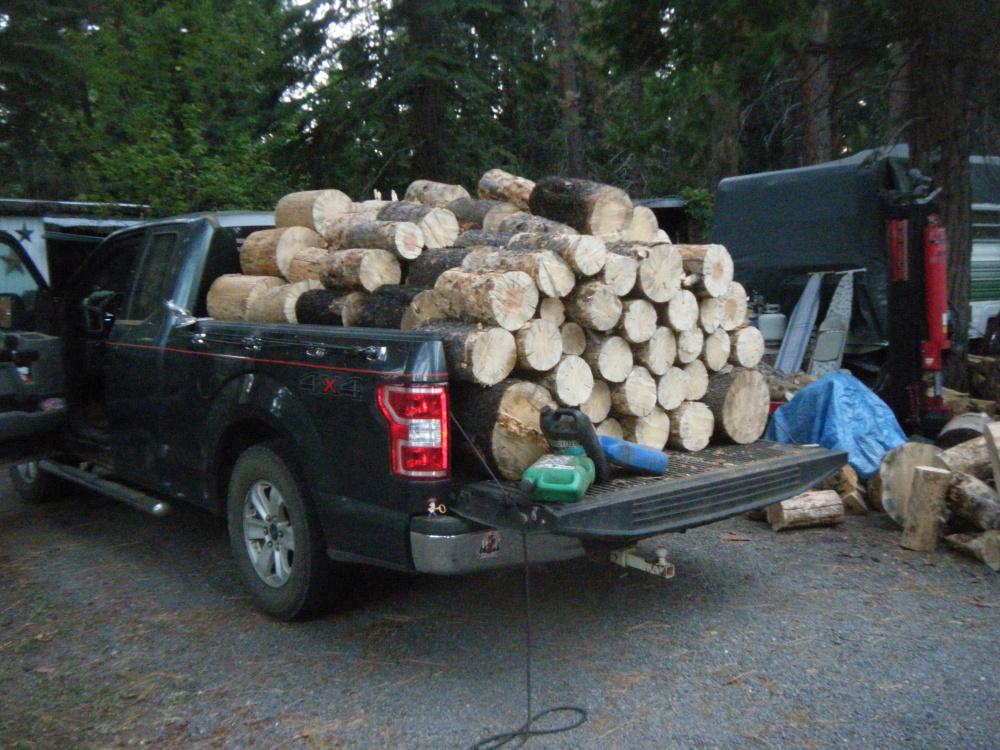
My first picture! A test to see if I ( Julie!) did it right. A load of firewood for the winter.
 3
3 -
Wow!!! It came out!!! Thank you Drifter, Black Dog, Susie and Brier. Every buddy watch out now, I'm a kid in a candy store with money to spend!!!
3 -

Well done Julie,,,
3 -

Keep them pictures coming elubsme!
3 -
Bug killed lodgepole? Post some pictures of snag wagons you have had/driven.
3 -

I'd be Leary of going around corners with that load, seems like you would loose a few from the top………..
0 -
hillbille: 32605974239771/comments/32605956578075
I'd be Leary of going around corners with that load, seems like you would loose a few from the top………..
Notice the loose bungy cords?? And the pic was taken in my driveway.
3 -

Looks like Julie knows how to cut and load a nice truckload of firewood.
0
Please sign in to leave a comment.
Comments
12 comments