Computer Question

How can you change the password on an HP laptop computer? Back when June first got sick she had me to write down all of her passwords for everything. Well that was 2 years ago and she's been gone now for 5 months and I can't find anything around here. I'm so disorganized it's embarrassing. June took care of everything and I'm lost. I'm surprised I was able to do my taxes on line today and it actually went through.
I did find the receipt for the computer in the box it came in. I paid $1,095.64 for her computer. It's a lot better than mine and now it's just collecting dust. Plus it's got a large screen that you don't have to blow everything up to see.
Maybe I need to hire a hacker? Anybody know where I can find a hacker?
-

go in to settings and look for change pass word?
0 -

I've forgotten almost everything I knew about Windows, so I can't help. But I'm pretty sure you have to know the password to change it. It would be easier to completely re-install the operating system. I'd choose Linux Mint over Windows.
0 -
You can't go into settings if you can't get the thing to open up. I could change the password if I already had it up and running.
0 -
Rocky Raab: 30497072475803/comments/30497072553883
I've forgotten almost everything I knew about Windows, so I can't help. But I'm pretty sure you have to know the password to change it. It would be easier to completely re-install the operating system. I'd choose Linux Mint over Windows.
Can't change over to anything unless you get it to power up. You have to have a password to power up.
0 -
Do you mean it won't even turn on? Or that it only boots to the Windows screen that asks for the password?
We will assume that you have plugged it in and charged the battery.
From the HP website...Boot up the machine and while it is starting...
✅Tap the Esc key which will bring up a menu.
✅From there tap F9 Boot Options.
✅However on most Windows 8 machines Secure Boot will have to be disabled & Legacy boot enabled in BIOS to allow booting from a CD/DVD.
✅That will be F10 from the menu after Esc.
Edit: Just remembered...See if she made a "Recovery Disk" either a DVD or a USB stick. If so, that will re-install Windows and allow you to make a new password.
0 -
Yeah the only thing it would do was open up a screen for the password.
But the good news is I found the password. It was right where I forgot where I put it. I don't have Alzheimer's yet I just have Parttimers.
0 -

Smitty500mag: 30497072475803/comments/30497102877339
Yeah the only thing it would do was open up a screen for the password.
But the good news is I found the password. It was right where I forgot where I put it. I don't have Alzheimer's yet I just have Parttimers.
I normally find long lost stuff in the last place I look. Occasionally I keep looking though because I find other neat stuff I haven't seen in years! I make sure I put the neat stuff I find in a new place so that I can be surprised and find it again in the future. 😁 Bob
12 -
If you intend to stick with Windows, I'm done here.
6 -
BobJudy: 30497072475803/comments/30497105179035
https://forums.gunbroker.com/discussion/comment/11334100#Comment_11334100
I normally find long lost stuff in the last place I look. Occasionally I keep looking though because I find other neat stuff I haven't seen in years! I make sure I put the neat stuff I find in a new place so that I can be surprised and find it again in the future. 😁 Bob
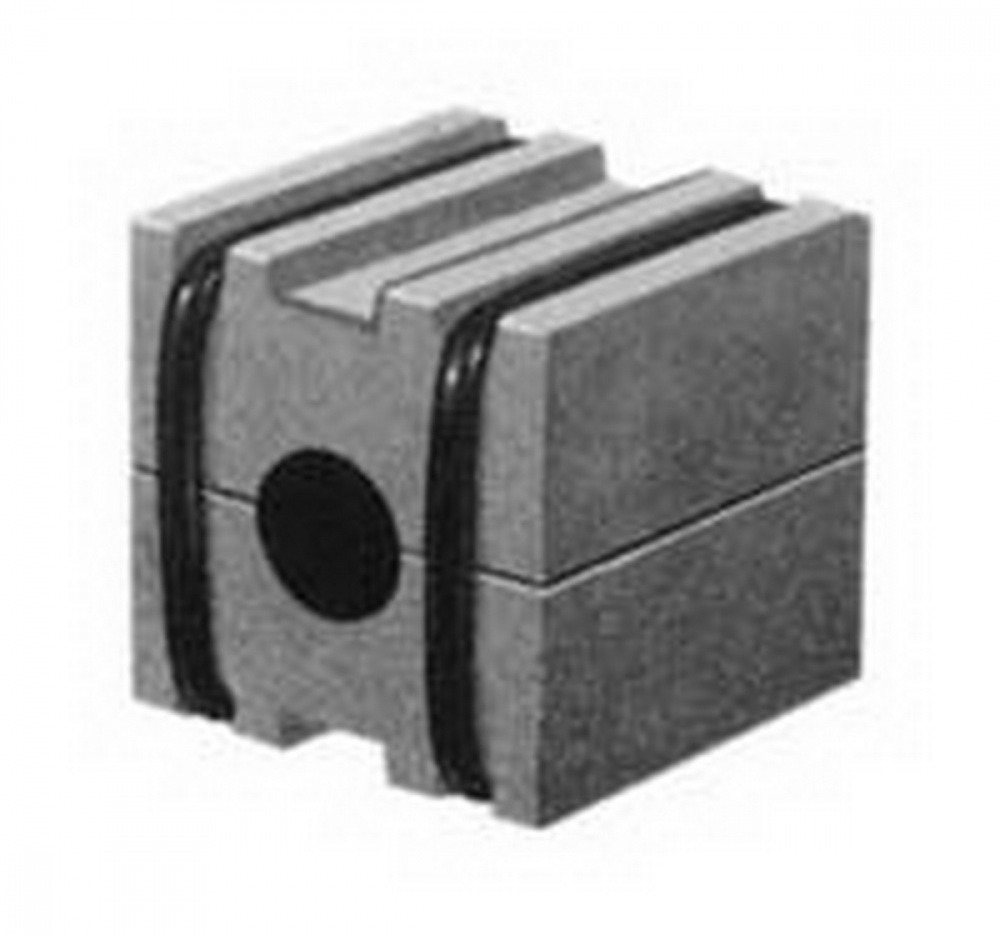
One of the funniest or stupidest lost things that I found again was my screwdriver magnetizer/demagnetizer. They're a little approx. 1 1/2" square of magnets like in the photo below. I always kept it in the top drawer of one of my tool boxes.
Well I couldn't find it anywhere and I looked the garage over for that thing. I probably looked in that top drawer at least 4 times. So I ordered another one from Sears. When it arrived I took the new one out of the package and tossed it into the drawer and it flipped around and immediately attached it's self to the old one that was in the drawer. You know how magnets will flip around until the poles are aligned to where they'll attach. Dangest thing, It had been sitting right there where it was supposed to be all the time. It wasn't like that drawer was piled full of stuff it was fairly empty and somehow I didn't see it. 🙄
 3
3 -
Rocky Raab: 30497072475803/comments/30497089981211
If you intend to stick with Windows, I'm done here.
Are you saying that you don't do windows? 😁
9 -

mac10: 30497072475803/comments/30497089603739
go in to settings and look for change pass word?
you will have to know the old one to be able to change it.
0 -
Yeah, Smitty, I do NOT do Windows, LOL!
0
Please sign in to leave a comment.
Comments
12 comments