How to post a GB Direct Link

… as for auction plugs, ect.
Thanks to @Mr. Perfect , he found how to post direct links once again. We don't know if this change is permanent as the Host has not replied back via HQ. Until then here's how to do it;
Do your Copy of the link as before
Paste link as a new post as before
The preview post will look like this;
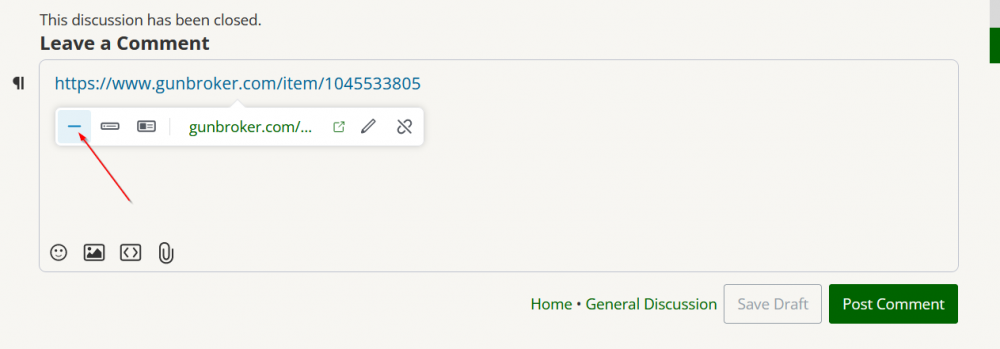
Click on the dash/ minus sign, then hit post comment.
Thank you, @Mr. Perfect
-
The above is for 'Direct Links', such as auction side plugs.
0 -

This pertains primarily to auction links, which are unfriendly to the "preview content" default option and the other one next to the (as Joe put it) "dash/ minus sign", which removes any level of preview and just adds a clickable link (see Joe's post).
For example, doing this (choosing the "display as card" option) with a Youtube link:
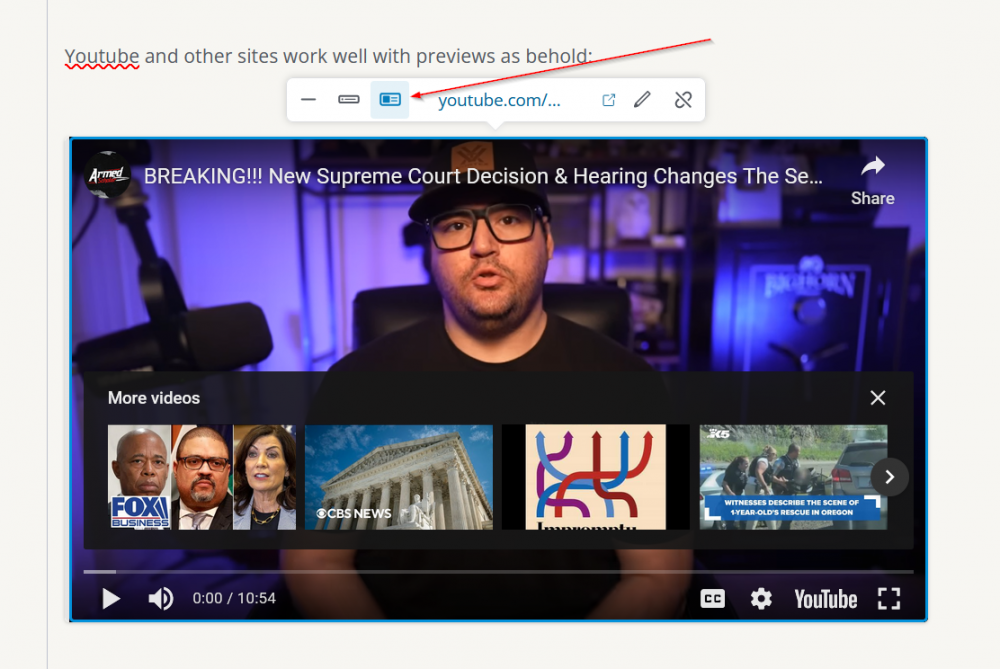
Gives you this:
https://www.youtube.com/watch?v=nnrzsZuDe6I(note that choosing either of the fist two options gives the same result with Youtube links… for some reason)
However…
Doing this (choosing the "display as rich link" option) with a regular "it-plays-well-with-previews" weblink:
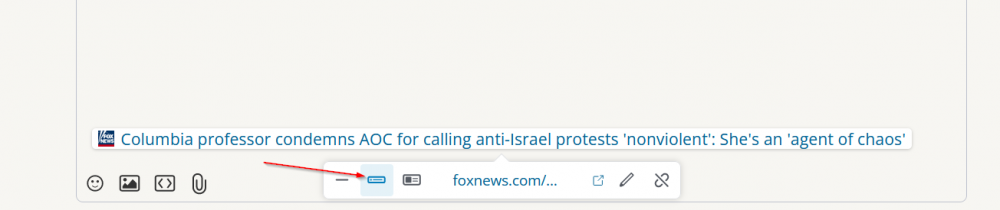
gives you this:
And doing this (again choosing the "display as card" option) with a similar regular "it-plays-well-with-previews" weblink:
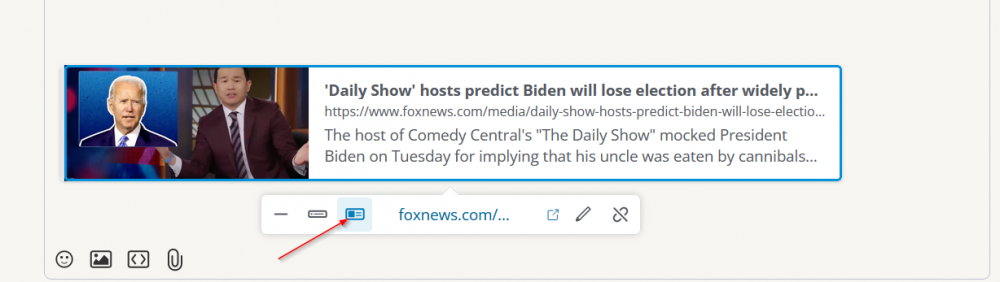
gives you this:
'Daily Show' hosts predict Biden will lose election after widely panned 'cannibals' remarks
The host of Comedy Central's "The Daily Show" mocked President Biden on Tuesday for implying that his uncle was eaten by cannibals during World War II.But for some reason, GB auction links do not play well with link preview formatting. So you have to use the "dash/ minus sign" (which is actually the "display as text" choice) as noted in Joe's post.
3 -
Thank you for the above added info.
3
Post is closed for comments.
Comments
3 comments